Video Editing Tips: A Complete Guide to Editing Better Videos
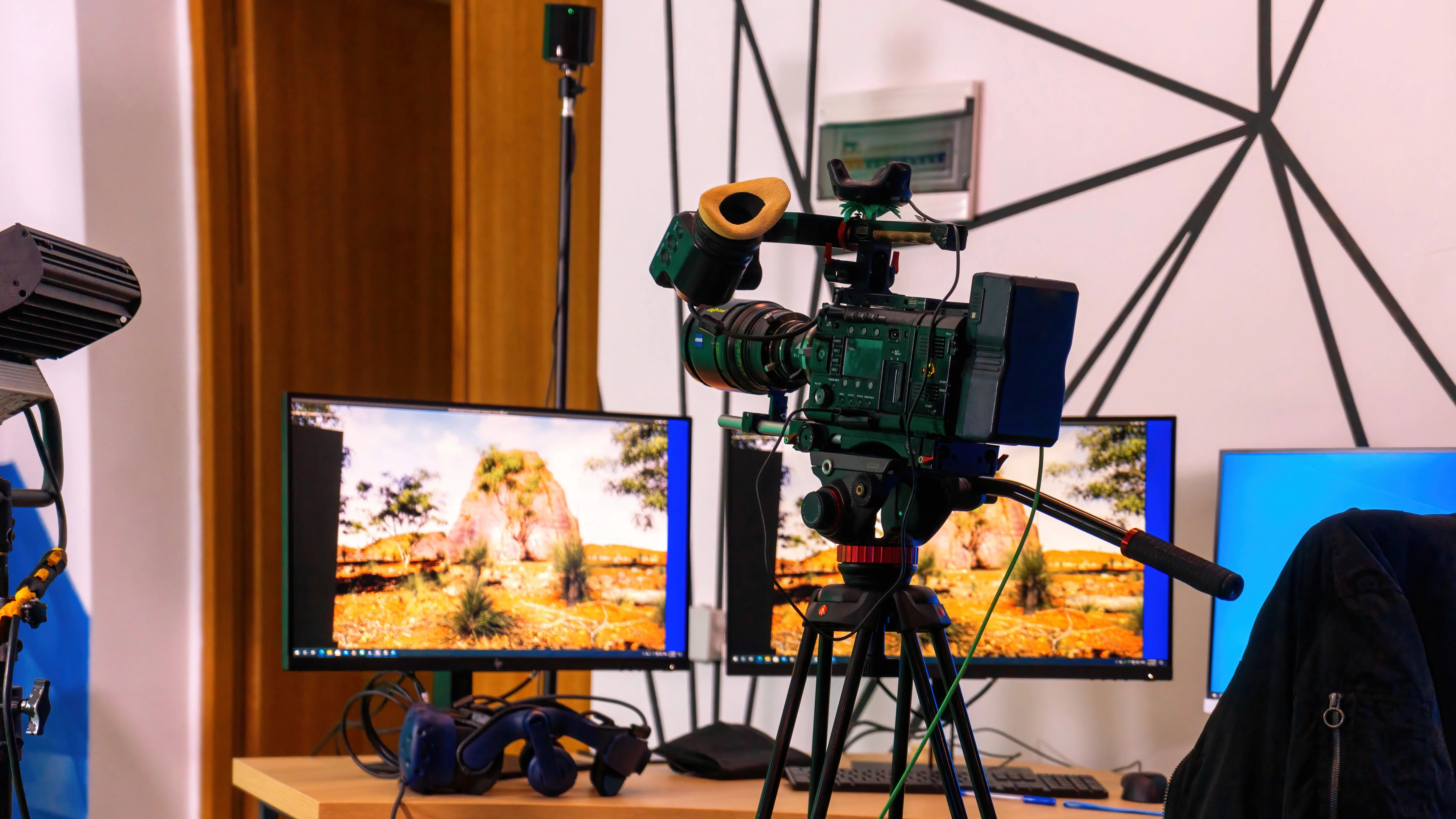
Creating a good video is not just about recording it’s about how you shape the story afterward. That’s why understanding video editing tips is essential, whether you’re a beginner or already working in content production.
Many people think editing is just cutting clips, but in reality, video editing tips involve storytelling, pacing, and technical decisions that make your content engaging. If done right, editing can completely transform raw footage into a professional-looking video.
In this guide, we’ll break down practical video editing tips, including workflow, tools, and techniques you can apply immediately.
Why Video Editing Matters
Before diving into the techniques, it’s important to understand why editing is so crucial.
Good editing helps you:
Keep viewers engaged
Deliver clear messages
Improve visual quality
Strengthen storytelling
In fact, editing determines how your audience feels while watching your content. That’s why mastering video editing tips can make a huge difference in content performance.
Step by Step Video Editing Process
If you’re learning how to edit video, following a structured workflow will save time and improve results. Here’s a simple step step video editing process you can follow:
1. Organize Your Footage
Start by sorting your clips, audio, and assets into folders. Label everything clearly so you can find files quickly. Proper organization is one of the most important editing basics.
2. Review All Clips
Watch every piece of footage before editing. Sometimes the best moments are hidden in unexpected parts.
3. Create a Rough Cut
Place your clips on the timeline and arrange them into a basic story structure. Don’t focus on perfection yet—just build the flow.
4. Refine Visual and Audio
Adjust sound levels, color, and visuals. Add music, text, or graphics to enhance the video.
5. Adjust Pacing
Pacing is critical. A video that’s too slow becomes boring, while one that’s too fast can feel overwhelming.
6. Finalize and Export
Once everything looks good, export your video in the correct format based on your platform.
This step styep video editing approach helps beginners stay organized while improving efficiency.
Essential Video Editing Tips for Better Results
Now let’s go deeper into practical video editing tips you can apply right away:
1. Cut Unnecessary Footage
One of the most important edit video tips is to remove anything that doesn’t add value. Shorter, cleaner videos perform better because viewers lose interest quickly.
2. Focus on Story First
Editing is not about effects—it’s about storytelling. Every cut should support the message or emotion you want to deliver.
3. Keep Transitions Simple
Many beginners overuse transitions. In reality, simple cuts or fades often look more professional than flashy effects.
4. Use Rhythm and Timing
Good editing has a natural rhythm. Think of it like music timing matters more than duration.
5. Use J-Cuts and L-Cuts
These techniques help create smoother transitions between scenes by overlapping audio and visuals, making your video feel more natural.
6. Always Review Your Work
After editing, watch your video again with fresh eyes. If any part feels boring, cut or improve it.
Tools Edit Video: What Software Should You Use?
Choosing the right tools edit video can make your workflow easier and faster.
Some popular options include:
Adobe Premiere Pro (professional-level editing)
DaVinci Resolve (powerful and free option)
Final Cut Pro (Mac users)
CapCut (beginner-friendly and social media focused)
Modern editing tools also include AI features that help automate tasks like cutting, captioning, and color correction, making editing more efficient.
The best tool depends on your skill level and project needs, but even simple tools can produce great results when used correctly.
Common Mistakes to Avoid
Even with the best video editing tips, beginners often make the same mistakes:
Overusing Effects
Too many effects can distract from your message.
Poor Audio Quality
Bad audio can ruin even the best visuals. Always prioritize sound clarity.
Ignoring Pacing
Slow or inconsistent pacing makes videos less engaging.
Lack of Planning
Editing without a clear idea leads to messy results.
Avoiding these mistakes will instantly improve your editing quality.
How to Improve Your Video Editing Skills
If you want to get better at how to edit video, consistency is key.
Here are a few ways to improve:
Practice regularly with real projects
Study professional videos
Learn new editing techniques
Experiment with different styles
Over time, you’ll develop your own editing style and workflow.
Mastering video editing tips is one of the most valuable skills in today’s digital world. From organizing footage to refining pacing, every step plays a role in creating engaging content.
Whether you’re learning how to edit video, exploring tools edit video, or following a step styep video editing process, the key is to focus on storytelling and clarity.
Great editing is not about complexity it’s about making your message clear, engaging, and memorable.
Build Better Visual Content with Exo Digital
At Exo Digital, we don’t just create visuals we design content that connects, engages, and drives results.
Through our Video Production service, we help businesses produce high-quality videos, visuals, and digital assets that strengthen your brand presence across platforms.
Contact Exo Digital today and elevate your content with our Video Production services.
Read Too: How to Create Content for Website That Engages and Converts